






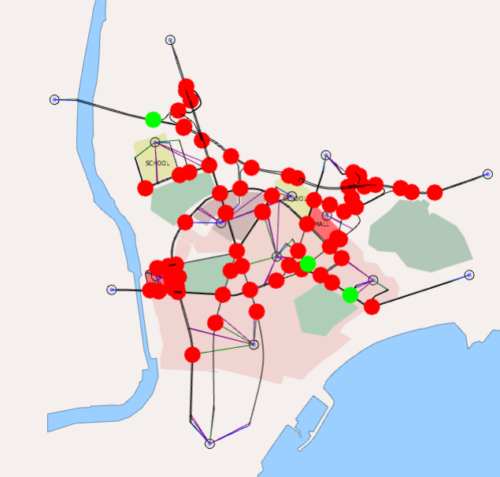
How to use template scripts for fast visualization of signalized nodes
January 2020: There are various scripts available in the template: Margarida Delgado explains how Script nº 10 can speed up the process of filtering and viewing signalized nodes.
Most users are familiar with creating their own attributes within objects within an Aimsun model. These will typically be numbers or strings but it is also possible to add a column to an object where a value is returned based on some Python Code, allowing a value to be calculated on the fly.
A simple example is one that places a label letter on a turn to say whether it is Left, Through, Right or U-Turn.
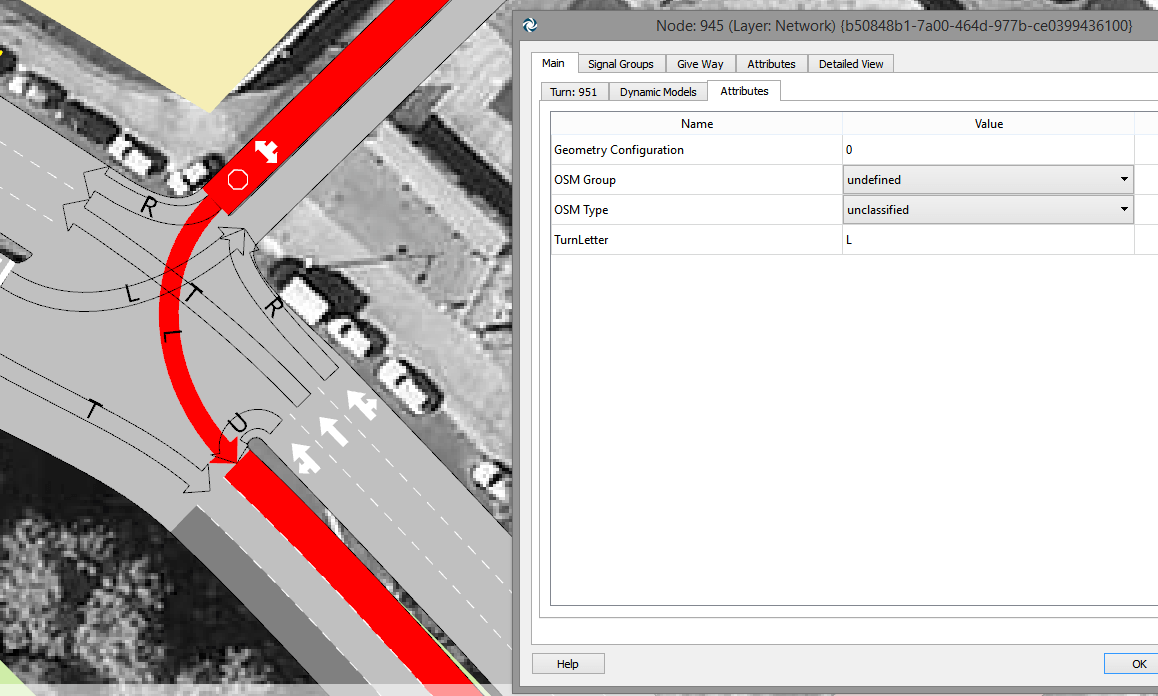
Click to enlarge: Showing the attribute in the network
Firstly we could create this column using the Types Editor (by selecting the relevant object type from the Types window), then adding a new column of Column Type Function, in this case one that returns a string as a result.
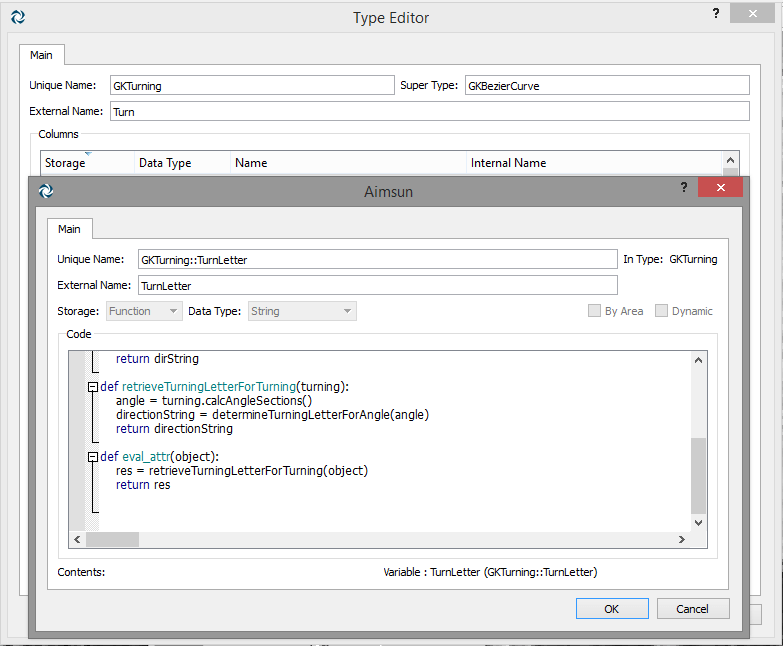
Click to enlarge: Create the column using the Types Editor
The function needs to contain a Python function with signature of the form:
def eval_attr(object):
which returns a value with the result.
Here is the code we store inside the column
def determineTurningLetterForAngle(angle):
	dirString = ""
	if abs(angle)<30.0: dirString+="T" elif abs(angle)>150.0:< dirString+="U" elif angle>0.0:
		dirString+="L"
	else:
		dirString+="R"
	return dirString

def retrieveTurningLetterForTurning(turning):
	angle = turning.calcAngleSections()
	directionString = determineTurningLetterForAngle(angle)
	return directionString

def eval_attr(object):
	res = retrieveTurningLetterForTurning(object)
	return res
However we can create all this from a script which creates the column, and populates the code.
The code to set up the column directly from a Python script is as follows:
def main():
	turnLetterAttr = model.getColumn("GKTurning::TurnLetter")
	if turnLetterAttr == None:
		turningType = model.getType("GKTurning")
		turnLetterAttr =
turningType.addColumn("GKTurning::TurnLetter","TurnLetter",
GKColumn.String, GKColumn.ePython)
	turnLetterAttr.setPythonCode(PYTHON_CODE_STRING)

main()
PYTHON_CODE_STRING contains the definition of the function.
Download Python script for creating a turning classification label
January 2020: There are various scripts available in the template: Margarida Delgado explains how Script nº 10 can speed up the process of filtering and viewing signalized nodes.
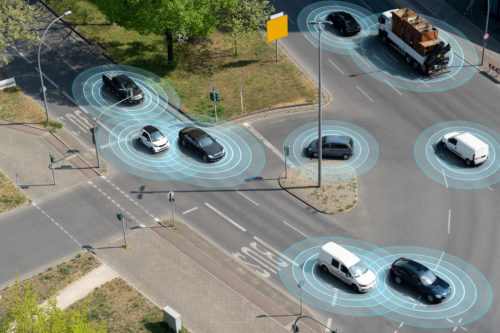
January 2017: Paolo Rinelli and Dimitris Triantafyllos explain a technique for modelling connected vehicles using Aimsun API: Cooperative Adaptive Cruise Control.